
Why WhatsApp works so well for wedding invitations
For many families, WhatsApp is where real conversations happen: groups for cousins, groups for colleagues, a thread with grandparents. An invitation that arrives there gets opened, and it can be forwarded in one tap to someone you forgot to add.
The weak point is the format. A photographed card or a large PDF is slow to load, looks different on every phone, and gives guests nowhere to reply except by typing a message back. When two hundred people reply in two hundred different ways, the couple ends up counting by hand.
A link to an online invitation solves both problems. It loads instantly, looks the same everywhere, and carries the date, venue, map and reply form in one place.
What a link-based WhatsApp invitation looks like
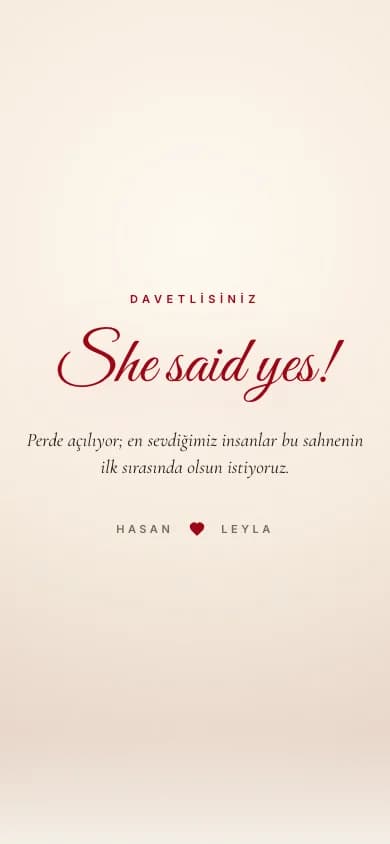
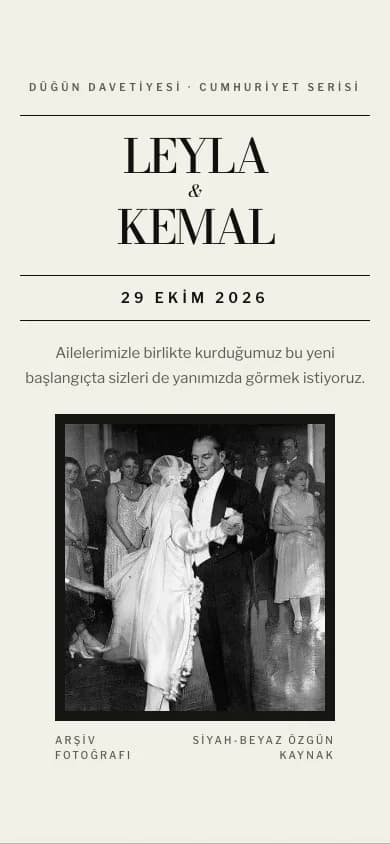
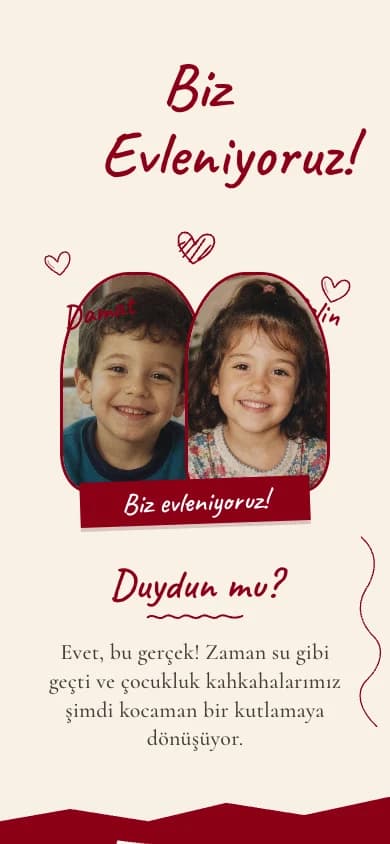
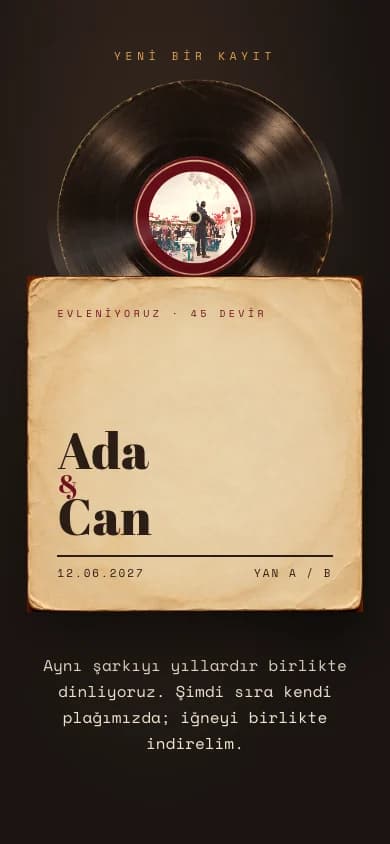
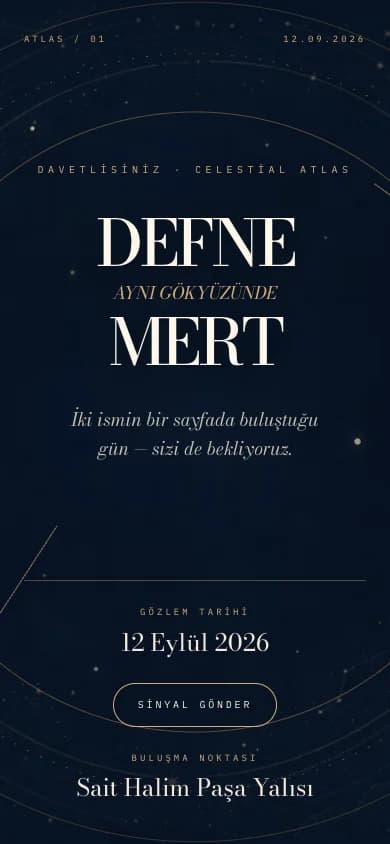
With davetvia the invitation is a mobile-first page that opens as the guest scrolls: the names and date first, then the story, photos, the venue with a map link, a countdown, a dress code if you want one, and finally the reply form. Because it is a link, the message you send stays short and the page does the work.
You can pick one of 29 animated designs in the template gallery, enter your details, and preview the result for free before choosing a package. When you publish, you get a link and a QR code. The link goes into WhatsApp; the QR code can go on a printed save-the-date or a poster at the venue. For a broader look at what the invitation includes, see digital wedding invitations.
How to send your wedding invitation on WhatsApp, step by step
You do not need special tools to share a link on WhatsApp. This is the manual route, and it works with every davetvia package:
- Create the invitation, preview it, and publish it to get your link.
- Open WhatsApp and write a short personal message. Greet the guest by name and keep it to a few lines.
- Paste the link. WhatsApp usually shows a preview card, which helps guests trust the message.
- Ask for a reply by a clear date, and tell guests the form is on the page.
- Send it to individuals or small groups first, then to the family group once everyone close to you has seen it.
Message examples you can copy
A good WhatsApp invitation message is warm, brief and clear about what to do next. Here are original lines for different relationships:
"Hello Elif! We are getting married on 14 June and would love you to be there. Everything is in our invitation: [link]. Please reply by 20 May."
"Dear Aunt Sevgi, we are delighted to invite you to our wedding. Details and the reply form are here: [link]. Please let us know by 1 June."
"Hi team, I am getting married! The invitation is here: [link]. Please tell me if you are coming by 15 May."
"We are tying the knot, and you are on our list. Open the invitation, enjoy the story and answer in one tap: [link]"
"Good evening. With joy we invite you and your family to celebrate our wedding. The invitation and reply form: [link]"
Importing your contacts and sending in bulk
Typing two hundred messages is tedious, and copying your contacts into a spreadsheet one by one is worse. The Standard package lets you import your contact list as a vCard (.vcf) or CSV file, so guests land in one place with their phone numbers.
From there, the WhatsApp invitation and reminder flow takes over: invitations go out to the guests who agreed to receive messages, and reminders follow on a schedule. The aim is that you spend your time on the people, not on pasting links.
Consent matters. Guests are marked as willing to receive WhatsApp messages, and anyone who does not want them is left out. Bulk-messaging people who did not expect it is the fastest way to annoy relatives, so only message people you would normally text about the wedding.
WhatsApp invitation and reminder sending, contact import and the RSVP dashboard are part of the Standard package. See the options on the pricing page.
Personal links and tracking replies
On Standard, each guest can receive a personal reply link, so you know exactly who answered and do not have to guess which "Ayşe" wrote back. Replies land in a panel where you can see who said yes, who said no and how many people are coming in total. You can download the list as a CSV file for the venue or caterer.
Guests can also answer without an account or app. They open the link, fill in how many people are coming and an optional note, and that is it. If you want advice on the reply wording itself, read our guide to RSVP meaning and wording.
Reminders without nagging
Reminders are where WhatsApp shines and where couples most often overdo it. Aim for one reminder to people who have not replied, a few days before the deadline, and one short note with the venue details closer to the day. A message about the time, parking and the map link is genuinely useful, not pushy.
A reminder should always contain the link again. People scroll past old messages, and it is easier to open a fresh one than to hunt through a group chat.
"A little reminder about our wedding on 14 June. Your reply link is here: [link]. We would love to know by Friday."
"We are one week away! The venue, the map and the timetable are all on the invitation page: [link]"
Sharing with family groups and relatives abroad
In many Turkish and Muslim families, the invitation travels through the family group before anything else, and relatives abroad are the last to get a formal card. A link removes that delay: it reaches guests in other countries at the same moment, and they can read it in their own time.
The davetvia interface is available in seven languages: Turkish, English, Russian, Azerbaijani, Uzbek, Kazakh and Arabic, with right-to-left layout for Arabic. If your guest list is mixed, you can write your invitation in the language that suits it, and your guests can answer in the same form. For background on Turkish celebrations such as the henna night, see the Turkish wedding invitation guide.
Adding engagement and henna events to the same link
A single invitation can hold the wedding and, in addition, an engagement party and a henna night, each with its own date, time and venue. That means one link in WhatsApp covers every event, and you can invite different groups to different parts of the celebration without sending three separate messages.
Check the basics before you send
Before you send the link to your whole contact list, run through this short checklist.
- Open the link on your own phone, over mobile data, and scroll to the end.
- Check the date, time and venue name for typing errors.
- Test the map link and the reply form.
- Send it to two or three trusted people and ask whether anything is unclear.
- Decide your reply deadline and put it in the message.
Templates for this occasion
Open a live preview and personalise it in minutes.
Frequently asked questions
Can I send a wedding invitation on WhatsApp for free?
Sharing a link in a normal WhatsApp chat costs nothing on your side. You can create and preview the invitation without paying; choose a package when you are ready to publish. See the pricing page for package details.
Is it better to send an image or a link on WhatsApp?
A link is usually better. It loads instantly, looks the same on every phone, includes the map and reply form, and avoids large files that are slow to download.
How do guests reply?
They open the invitation link, scroll to the reply form, enter whether they are coming, how many people are in the party and an optional note. No app or account is needed.
Can I send reminders automatically?
On the Standard package, the WhatsApp invitation and reminder flow sends messages to guests who agreed to receive them. On Basic, you can still paste the link and send your own reminders.
Can I import my phone contacts?
Yes, on the Standard package. You can import a vCard (.vcf) or CSV file with your guest list.
Will the invitation work for guests abroad?
Yes. It is a normal web link that opens in any browser, and the interface is available in seven languages.