What makes a davetvia invitation different from a PDF or a card image?
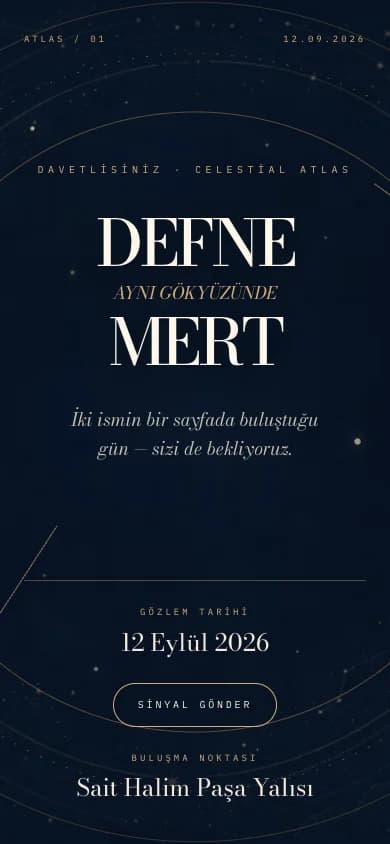
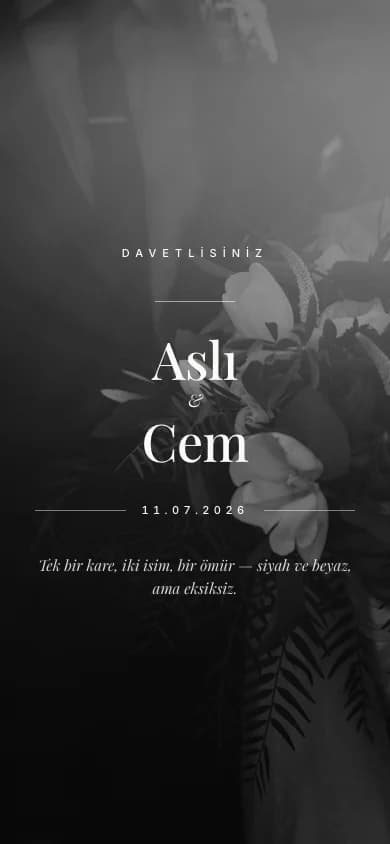
Most digital invitations are a flat image or a PDF dropped into a chat. Guests pinch, zoom, and then scroll back through the thread to find the address a week later. A davetvia invitation is a real page: it opens with your names, then reveals the date, the countdown, the venue with a map, your story, photos and a reply form as the guest moves down the screen.
Because it is a link rather than a file, you can fix a typo or move the start time without sending a second invitation. Guests who open the link again always see the current version.
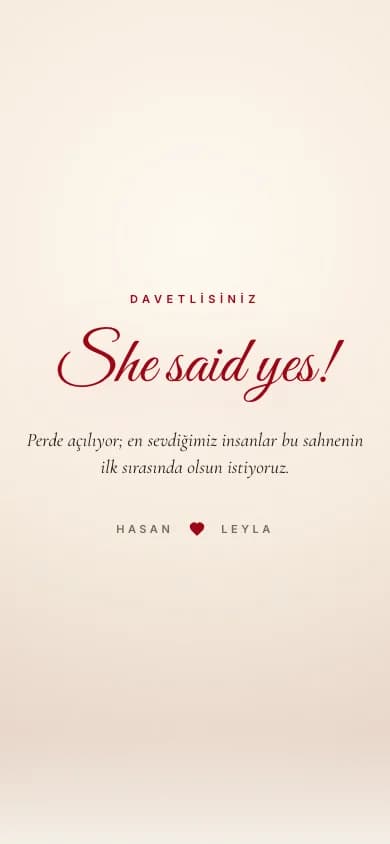
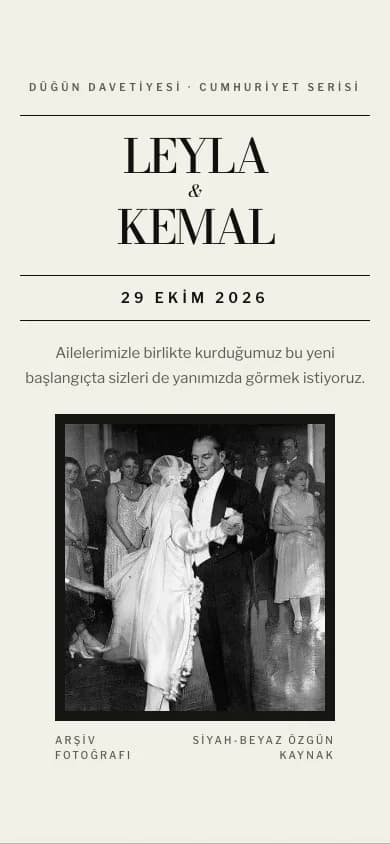
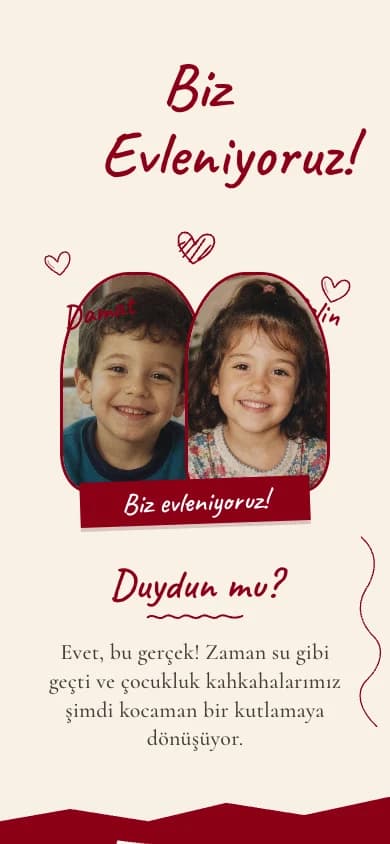
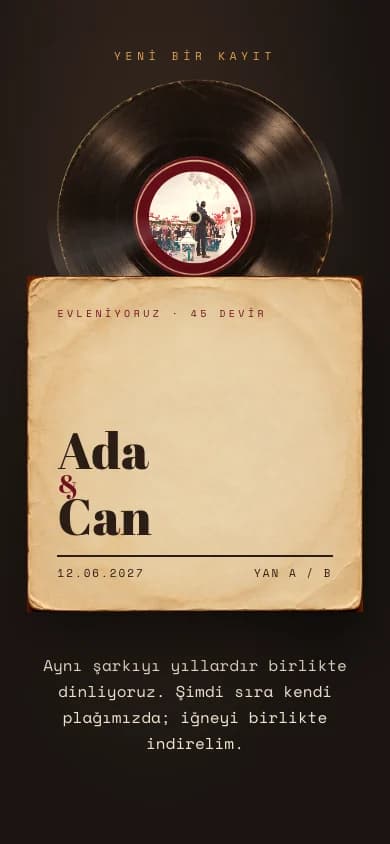
The scroll-driven style is the point. Each of the 29 templates has its own mood, from a quiet editorial look to a cinematic theatre curtain, so the invitation feels designed for the two of you rather than filled in from a form.
What goes inside the invitation?
You decide how much to show. Everything below is optional except the basics, so a very short invitation is as easy to make as a full one.
- Your names, the date and the time
- Venue and a map location guests can open in one tap
- A live countdown to the day
- Your story, in your own words or drafted with the AI writing helper
- Photos, laid out the way the template intends
- Music through a Spotify link, if you want a soundtrack
- A dress code section
- An RSVP form with number of guests and a note field
Everything is previewed live while you edit, so you see exactly what your guests will see.
How do guests receive it?
Your invitation lives at a short link, and davetvia also gives you a QR code for it. That means you can paste the link into WhatsApp, text it, email it, post it to an Instagram story, or print the QR code on a card, a menu or a welcome sign.
WhatsApp matters more than it might sound. In Turkey and across much of the Middle East, Central Asia and the Balkans, the family group chat is where invitations actually get passed around, and a link opens straight from there. If you want a closer look at that route, read about when to send wedding invitations so you time the first message well.
With the Standard package you can also import your phone contacts as a .vcf or CSV file and run the invitation and reminder flow over WhatsApp from the panel, instead of copying the link into hundreds of chats by hand.
How does RSVP work?
The invitation ends with a reply form. A guest says whether they are coming, how many people will attend, and can leave a short note, for example a dietary need. You see every reply in your dashboard.
On the Standard package you also get an RSVP management panel, a CSV download for your caterer or venue, and a personal reply link for each guest, so a reply is tied to a name and nobody has to guess who "Murat plus three" is.
Not sure what to write above the reply form? Our wedding invitation wording page has ready-to-copy lines for formal, casual and WhatsApp-length invitations.
A shared photo gallery, without an app
Every package includes a guest photo gallery. Guests scan a QR code at the venue, upload photos from their phone's browser with nothing to install, and you approve what appears. The gallery can be shown in several modes, including exhibition, book, magazine, newspaper, classic album, polaroid, yearbook and moodboard styles.
Because the invitation and the gallery share the same link, your guests have one address to remember before, during and after the day.
Built for more than one celebration
Many families celebrate over several events: an engagement, a henna night, the wedding itself. One davetvia invitation can carry the wedding plus an engagement and a henna event, each with its own date, time and venue, so guests invited to only some of them still see the right details. If the traditions are new to you, the guide to Turkish wedding invitations explains how the events fit together.
The interface is available in seven languages: Turkish, English, Russian, Azerbaijani, Uzbek, Kazakh and Arabic, with right-to-left layout for Arabic. That helps when your guest list spans more than one language.
How to make one in four steps
The flow is the same for every template, and you do not need to pay to see what you are building.
- Pick a template from the template gallery.
- Enter your names, date, venue and anything else you want to show.
- Preview it for free and adjust the wording, photos and music.
- Choose a package, publish, and share the link or QR code.
Ready to start? Create your invitation or compare plans on the pricing page.
Which package fits?
Basic covers a ready-made template, AI wording help, a shareable link and QR code, the guest gallery and a basic RSVP, for up to 100 guests and 100 photos. Standard adds contact import, WhatsApp invitation and reminder flow, an RSVP dashboard with CSV export, personal reply links, a lifetime digital archive and a Reels or Story video made from your invitation, for up to 300 guests and 500 photos. Premium adds a custom design made by our team, concierge production and extended revisions, for up to 1,000 guests and 2,000 photos.
Current prices are on the pricing page.
Will older relatives be able to open it?
It is a normal web link, so it opens in any modern phone browser without an app or an account. For guests who prefer paper, nothing stops you from sharing the QR code on a small printed card as well. Many couples do both: the link goes into the family chats, and the QR code goes on the thank-you note or table card.
We would rather be upfront about what we do not do: davetvia does not print or post physical invitations, and it does not offer a seating chart tool or a gift registry.
Templates for this occasion
Open a live preview and personalise it in minutes.
Frequently asked questions
Is a digital wedding invitation acceptable for formal weddings?
Yes, if the design and wording match the occasion. A refined template with formal wording reads as formal. Some couples send the digital invitation to everyone and give a printed card to grandparents or close family.
Can I preview before paying?
Yes. You choose a template, enter your details and preview the invitation for free. You choose a package only when you are ready to publish.
Is the product available in English?
Yes. The site and the editor are available in English, along with Turkish, Russian, Azerbaijani, Uzbek, Kazakh and Arabic.
Do guests need to install an app or create an account?
No. Guests open the link in their browser, reply with the form, and can upload photos through the QR code with nothing to install.
Can I change details after sharing the link?
Yes. The invitation is a live page, so an updated time or venue shows up for anyone who opens the link again.
Can I add an engagement or henna night to the same invitation?
Yes. Engagement and henna events can be added alongside the wedding, each with its own date, time and venue.